SOP Studio
Some jobs need more than a marked-up panel photo – they need illustrated, annotated steps with pictures of the real thing. SOP Studio is the heavier sibling of my panel guide, built for exactly that.
The problem
Operators learn a job faster from annotated photos than from text, and here they need it in more than one language. A plain written work-instruction, pinned to a wall in English, doesn't get read by half the people who need it.
The solution
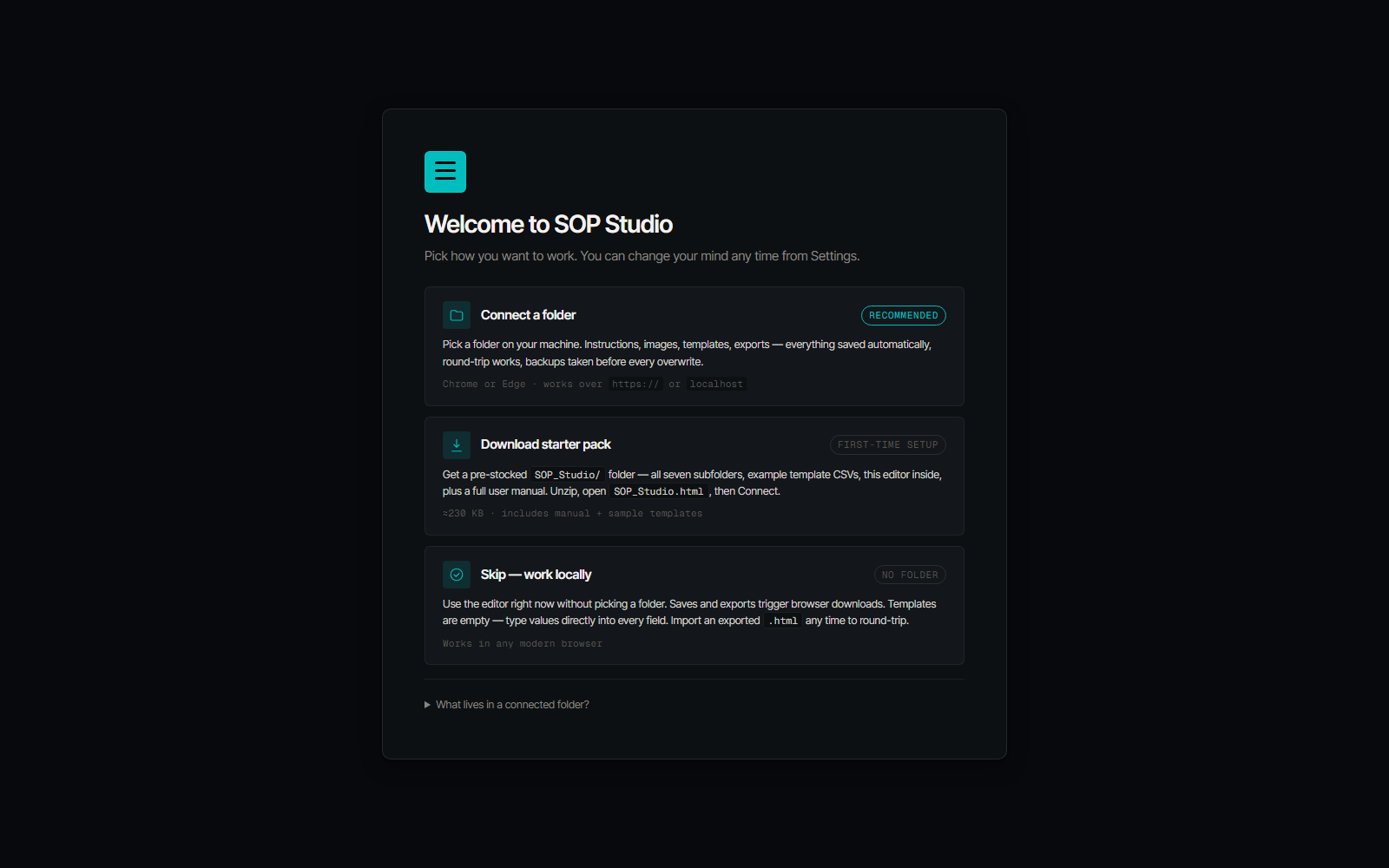
An editor builds each instruction as illustrated, annotated steps and connects to a project folder. Each finished instruction exports as its own self-contained web page, opened by a QR on the equipment.
- Photo-led steps with highlights and annotations drawn over the real image.
- Four languages, switched per step in the viewer – English, Polish, Romanian, Russian.
- Every export round-trips. The finished page carries its own source data inside it, so it re-opens in the editor with nothing else attached.
What changed
A worker scans a code on the machine and walks illustrated steps in their own language. One honest detail from building it: every photo is force-cropped to the same shape, because real floor phone photos came in every aspect ratio and broke the print grid – and an annotation sits in the exact same spot on screen and in print, guaranteed.
See it live
It’s on my tools hub – build an illustrated instruction and open the viewer.