Panel Measurement
Before you can build a guide for a panel, you need to know where its buttons really are. Measuring off a photo doesn't work, because a photo taken at an angle isn't to scale. So I built a tool that corrects for that.
The problem
Point a camera at a flat panel from any angle and the image is skewed – the near edge bigger than the far one. Measure a button's position off that photo and you get the wrong number. You have to undo the perspective first.
The solution
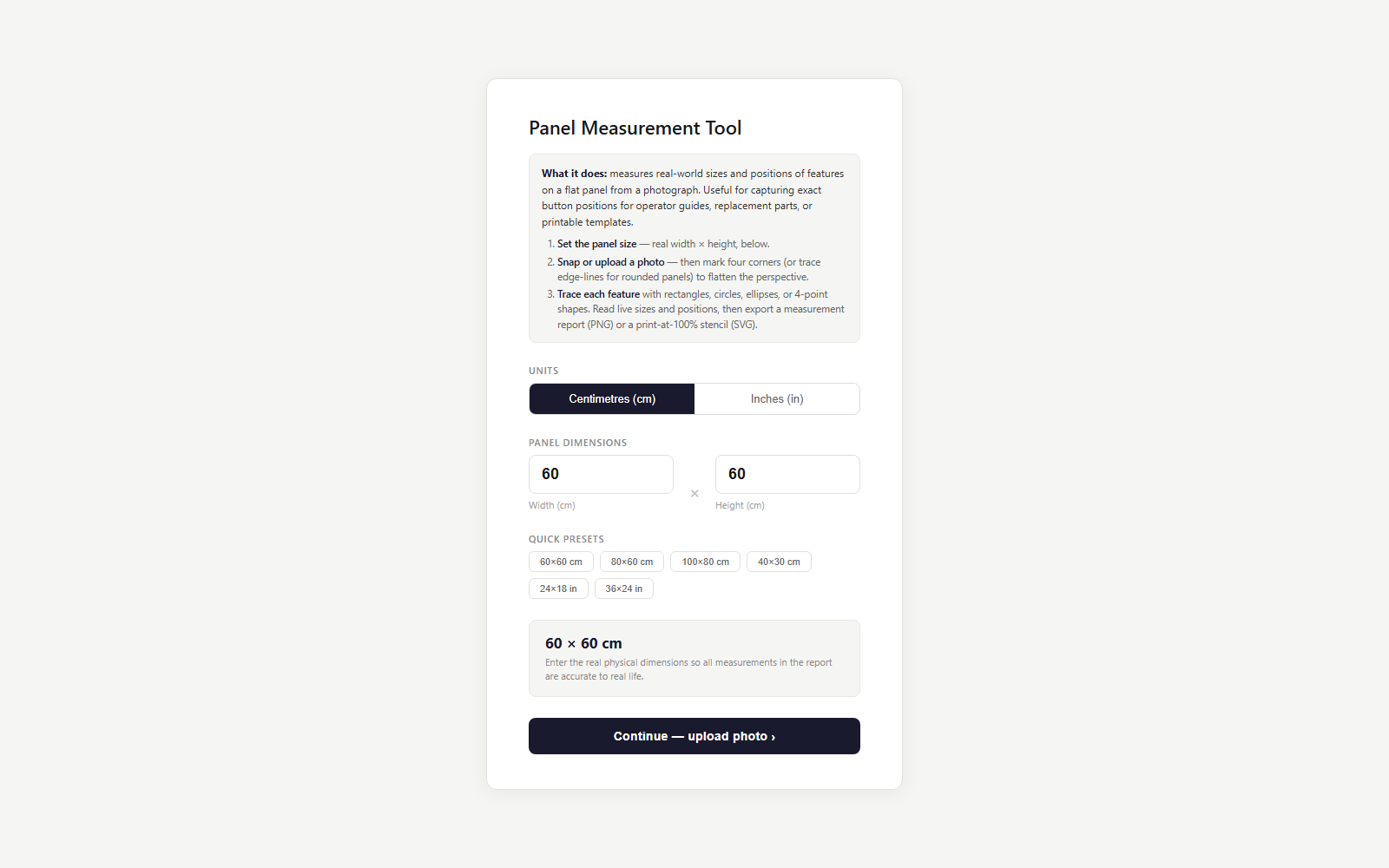
You tell it the real width and height of the panel, upload a photo or use the live camera, and mark the four corners in order. It flattens the image back to true scale, then you trace each feature and read its size and distance to every edge live. Export a single image with the dimensions marked on it.
What changed
You can pull accurate real-world measurements off a phone photo of a panel. The perspective correction is written from scratch – a bit of matrix maths solved by hand, no computer-vision library – so the whole thing is one file with nothing else to load. It's the tool that feeds Panel Instructions.
See it live
It’s live on my tools hub – measure a panel from a photo in the browser.